
 by Sheikh Ornob
If you’re staring at Mushak 9.1 and wondering which numbers go where, you’re not overthinking it. Bangladesh VAT returns look simple until one mismatch in sales books, treasury payment, or VDS data turns a normal filing into a month-long process.
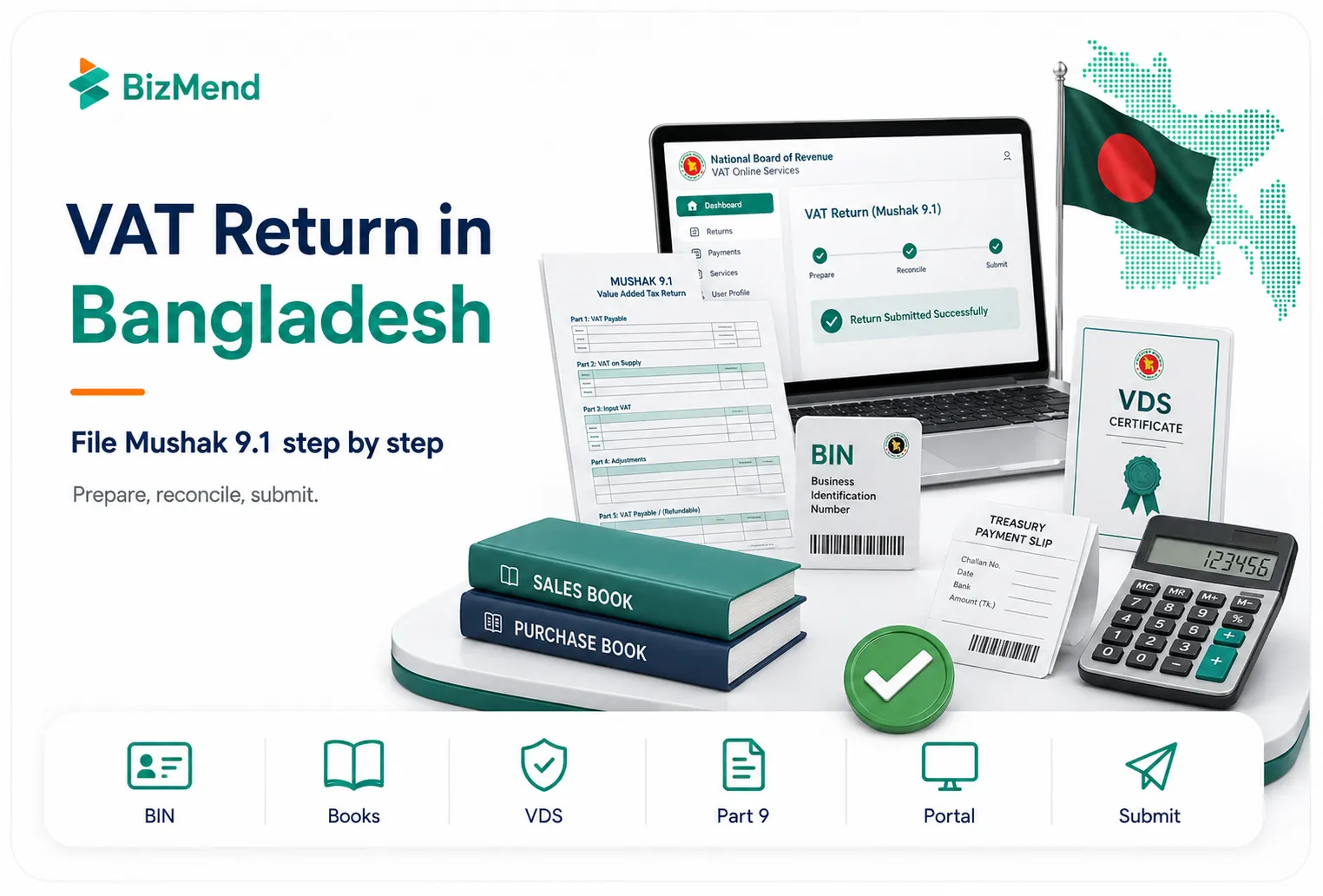
This form is the monthly VAT return for VAT-registered persons in Bangladesh, and it goes to the National Board of Revenue through the VAT system. If your business has a BIN and a filing obligation for the month, this is the return that pulls together your output tax, input tax credit, adjustments, payments, and supporting schedules. This guide walks you through the filing flow in the order that actually makes sense when you’re preparing the return.
Quick answer: In Bangladesh, a VAT registered business files its monthly VAT return in Mushak 9.1 with the NBR, usually by the 15th day of the following month. You prepare it from your sales, purchases, VDS, and treasury payment records, complete the form part by part, then submit it online through the VAT portal or through the authorized VAT office.
Key Takeaways
- Mushak 9.1 is the monthly VAT return for VAT-registered persons, while Mushak 9.2 is for turnover tax cases.
- Your cleanest filing starts with books and documents, not with the portal screen.
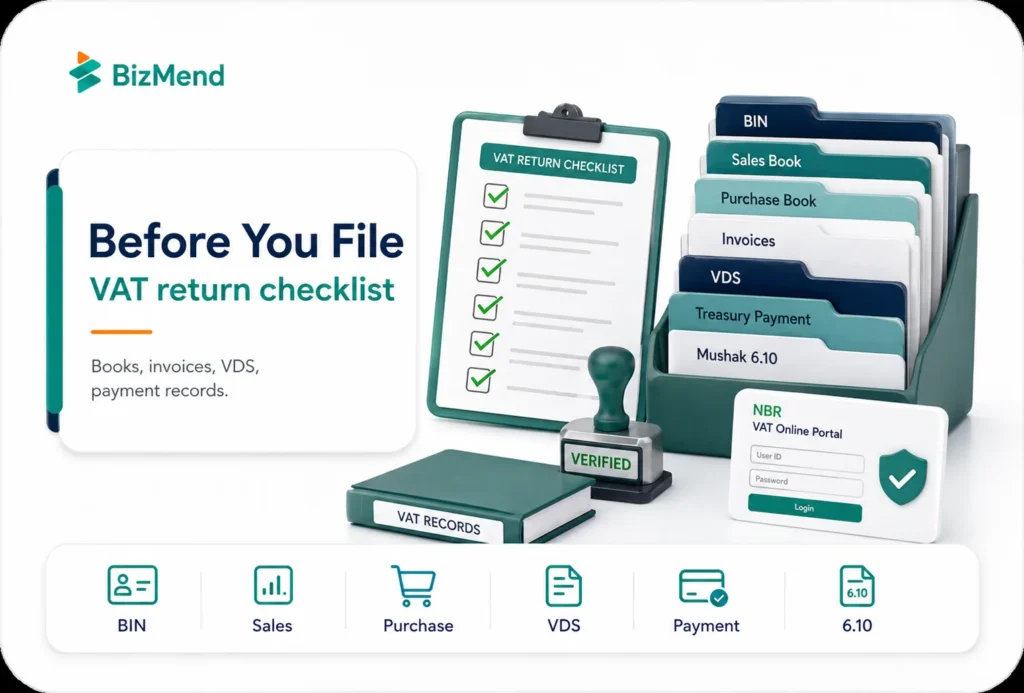
- Keep your BIN data, sales book, purchase book, tax invoices, VDS certificates, and treasury payment evidence ready before you log in.
- If purchases or sales above BDT 200,000 trigger Mushak 6.10 for the month, prepare that alongside the return pack.
- Treat output tax, input tax credit, VDS, adjustments, and carry-forward balances as reconciliation work first, then form filling work second.
- Part 9 matters more than people expect because the payment schedule has to line up with the actual treasury deposit details.
- If the issue is delay or correction, Mushak 9.3 is the route to review instead of forcing everything through the normal original return flow.
- If the month has no activity, do not assume the filing obligation disappeared just because the numbers are nil.
What Is Mushak 9.1 and When Do You Use It
Mushak 9.1 is the monthly VAT return for a VAT-registered person in Bangladesh. This is the form where you report taxable supplies, zero-rated supplies, input tax credit, adjustments, treasury deposits, and the net amount payable or carried forward. It sits under Rule 47(1), while turnover tax filers use Mushak 9.2 instead.
The compliance rule sounds straightforward. For each tax period, the return is generally furnished within the 15th day of the following month and can be submitted online through the board portal or at the relevant VAT office. If you file online, the NBR FAQ says no signature is required on the return.
Where people get tripped up is not the name of the form. It’s knowing whether the month is an original return, a late filing case, or an amended return case. If you’re correcting or extending, Mushak 9.3 enters the picture. If you’re filing normal monthly VAT, you’re in Mushak 9.1.
What You Need Before You Start
Don’t open the form first and hunt for numbers later. That’s the fastest way to edit the same line three times. Put the working papers in front of you before you log in. If you need the wider month-to-month context, our Taxation Essentials for Foreign Entrepreneurs in Bangladesh guide helps, but this article stays tightly focused on the return itself.
- Your BIN details and taxpayer name exactly as they appear in the registration record.
- The month and year of the tax period, plus the correct filing status for the return.
- Sales book Mushak 6.2, purchase book Mushak 6.1, and the tax invoices that support the month.
- VDS certificates in Mushak 6.6, plus any debit notes, credit notes, or adjustment support.
- Treasury deposit evidence and account code-wise payment details for Part 9.
- Mushak 6.10 details purchases or sales above BDT 200,000, when that requirement applies.
- An authorized VAT portal login linked to the taxpayer profile and the correct filing obligation.
The portal can total your figures. It can’t tell you whether the source numbers were wrong.
Step 1: Review Your Tax Period and Filing Status
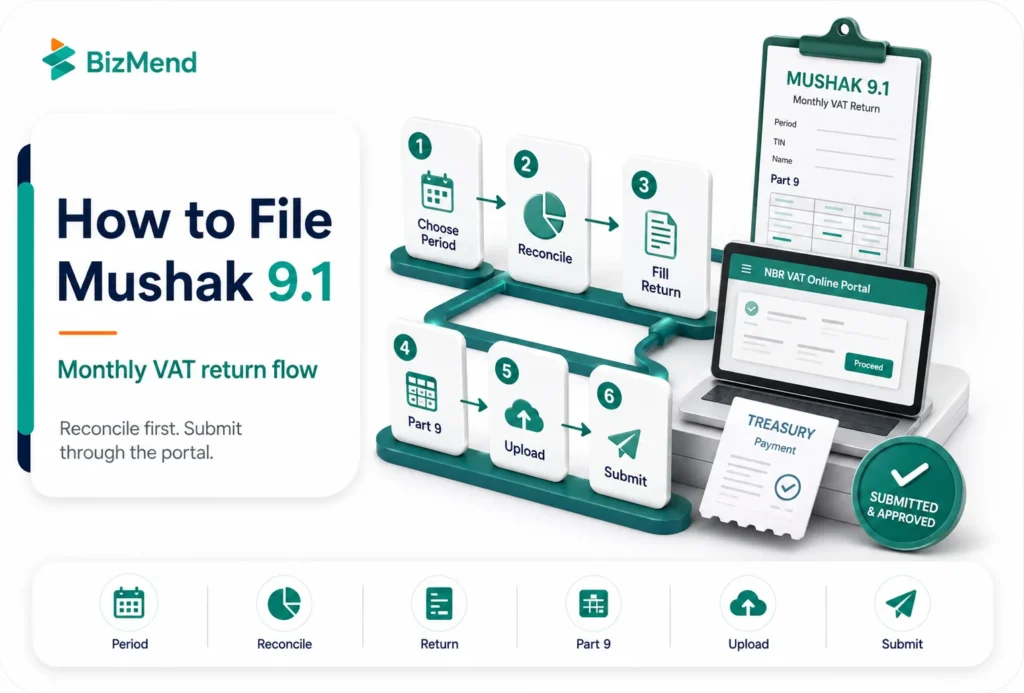
Start with the month, year, and filing status. In the VAT online system, filing obligations are generated according to the effective date of the BIN certificate. The dashboard shows open obligations, and draft items can also appear there. Once you choose the right period, the return screen loads for that month.
This matters because the filing path changes fast once the period is wrong. If you choose the wrong month, your output tax, input credit, and carry forward figures will not reconcile. If the month was already filed and you’re making a correction, treat it as an amendment workflow, not a casual overwrite.
If you already know the filing will be late, deal with that deliberately. NBR guidance points to Mushak 9.3 for late-filing applications and amended returns, so do not assume a missed date can be cleaned up inside the normal original 9.1 flow.
Step 2: Reconcile the Numbers Before You Touch the Form
Good VAT filing starts outside the return. Match your sales register, purchase register, invoice sequence, VDS certificates, and treasury deposit records first. If the books are not aligned, Mushak 9.1 turns into a typing exercise with the wrong answers.
| Checkpoint | What to confirm before filing |
|---|---|
| Sales by tax type | Separate standard-rated, zero-rated, exempt, and special-rate supplies so output tax lands in the right place. |
| Purchase VAT for credit | Only bring in input tax that is properly supported and actually eligible for credit. |
| VDS and adjustments | Tie every deduction or adjustment to the supporting certificate or note before you claim it. |
| Carry-forward balance | Pull the closing figure from the previous period carefully so you do not distort the new month. |
| Treasury payment data | Make sure the payment information that will go into Part 9 matches the actual deposit record. |
One practical rule saves a lot of pain: do not force the net payable amount into a round number that just looks right. The return is built from output tax, input tax, adjustments, and payment data. If the net number feels odd, go back to the books, not the calculator. The NBR FAQ also says partial payment is not tenable when you furnish the return.
Mushak 9.1 is a summary form. It is not a substitute for month-end reconciliation.
Step 3: Complete Mushak 9.1 Part by Part
Part 1: Taxpayer Information
Part 1 is usually the least dramatic section, but it’s still a control point. The user guide shows BIN and taxpayer name loading from the system. If the name or profile data is wrong here, that is not a line item problem. It usually means your registration data needs attention before you rely on the return output.
Part 2: Return Submission Data
This is where you confirm the tax period and the nature of the return. Slow down here. A correct month with a wrong return type can waste more time than a simple arithmetic error. Think of Part 2 as the label on the box. If the label is wrong, everything packed inside becomes harder to defend later.
Part 3: Supplies and Output Tax
This is the section most teams care about first, and for good reason. You need the value of supplies and the corresponding VAT or supplementary duty treatment to land in the right category. Do not lump zero-rated export, exempt turnover, and local taxable supply together because the total sale figure matches your accounting ledger. The form may still balance while the tax position is wrong.
Part 4 to Part 8: Input Tax, Adjustments, and Net Tax
Now bring in the eligible input tax credit, increasing and decreasing adjustments, any VDS impact, and the running logic that leads to the net amount. This is where people often overclaim by pulling in unsupported purchase VAT or underclaim by forgetting a valid certificate. If your return creates excess input tax, carry it forward properly instead of trying to flatten the month for convenience.
Part 9: Treasury Deposit Schedule and Attachments
Part 9 deserves more respect than it usually gets. The VAT online guide specifically tells users to make sure payment information is entered in the account code-wise payment schedule before submission and to attach the necessary documents in the attachments tab. The Mushak 9.1 form notes also tell taxpayers to submit Mushak 6.10 before or along with the return. If Part 9 is weak, the whole return feels shaky.
Step 4: Submit Through the NBR Portal or Manual Channel
On the portal, the basic sequence is practical. Choose the filing obligation, fill out the form, run Check to validate, save the draft if you need more time, upload documents, and then submit. The user guide also includes an account balance view, which helps if your team wants one more look before pressing the final button.
Online filing is usually the cleaner route because you can work from the dashboard, submit from anywhere, and avoid unnecessary office runs. NBR FAQ says online filing can be done around the clock and that no signature is required when the return is submitted online.
Manual submission still exists, but it is not a shortcut for weak preparation. The official form notes warn that incomplete returns may be rejected. If your team files manually, use the same reconciliation pack, payment evidence, and supporting schedules you would use for the online version. Foreign investors who are still in the setup stage may also find our BIDA approval guide useful, but finish the VAT month with full records first.
Step 5: Handle Late Filing, Amendments, and Special Cases Carefully
Late filing and amended return are not the same thing. Mushak 9.3 covers both routes under separate legal sections. A late filing issue is about time. An amended return issue is about correcting what was already filed. Mixing those up creates a paper trail that is harder to explain later.
That distinction matters because the operational risk is different. A late filing problem can bring interest, penalty exposure, or an avoidable compliance flag. An amendment problem usually begins with a wrong figure, a bad classification, a missed VDS claim, or a carryforward amount that was pulled in incorrectly from the last month.
One more thing, do not rely on casual office folklore about the due date if the 15th lands on a holiday. Official guidance available online does not read the same way on that point. Check the current instruction that applies to your taxpayer category before deadline week arrives, then document the rule your team is following.
Common Mistakes That Slow Down a VAT Return
- Filing before the sales and purchase books are actually closed for the month.
- Using one sales total without separating taxable, zero-rated, exempt, or special treatment supplies.
- Claiming input tax credit from purchases that are not fully supported by the right records.
- Ignoring Mushak 6.10 when high-value purchase or sales disclosures are required.
- Treating VDS certificates like backup papers instead of part of the return logic.
- Leaving Part 9 payment details incomplete, then trying to explain the mismatch later.
- Assuming a nil activity month means no return needs to be filed at all.
The form looks administrative, but the real risk lies in the source records. If the month were documented cleanly, the return would usually be manageable. If the month were messy, Mushak 9.1 would expose it fast.
A Fast Pre-Submit Checklist
- Confirm the month, year, and filing status one last time.
- Tie the sales figures in the return back to your sales book and invoice summary.
- Check that input tax credit, VDS, and adjustments have document support.
- Review Part 9 against the treasury deposit record and payment evidence.
- Make sure Mushak 6.10 is ready if the month includes purchases or sales above BDT 200,000.
- Run the portal validation, save the final version, and keep a copy of the submitted record for your files.
Final Thoughts
Mushak 9.1 gets easier once you stop seeing it as a single form and start treating it as the last step of a monthly close. Reconcile first, classify supplies correctly, tie Part 9 to actual payment records, and use Mushak 9.3 when the case is late or amended. That alone cuts most filing stress.
Frequently Asked Questions
Is Mushak 9.1 filed monthly or yearly?
Mushak 9.1 is the monthly VAT return for a VAT-registered person in Bangladesh. The usual filing cycle is one return for each tax period, and the standard rule points to filing by the 15th day of the following month.
What is the difference between Mushak 9.1 and Mushak 9.2?
Mushak 9.1 is for VAT-registered persons. Mushak 9.2 is for turnover tax enlisted persons. If your business is under regular VAT registration, you are usually dealing with 9.1, not 9.2.
Can I file Mushak 9.1 online?
Yes. NBR guidance says the return can be filed online through the central board portal. The user guide shows the dashboard-based flow, and the FAQ says no signature is required when the return is submitted online.
What should I do if I need to correct an already filed return?
Do not casually overwrite the month. Review the amended return route through Mushak 9.3 and document exactly what needs correction. That keeps the filing history cleaner and easier to defend.
Do I still need to file if the month had no transactions?
Treat the filing obligation as still active unless the current rule for your category says otherwise. NBR guidance frames return filing as mandatory, and secondary guidance also refers to nil return filing entities, so do not assume silence is acceptable just because the month was quiet.