How to Become a Daraz Seller in Bangladesh: Registration, Fees & Growth
Learn how to become a Daraz seller in Bangladesh, register an account, list products, understand fees, manage orders, and grow…
 by Sheikh Ornob

Learn how Rocket mobile banking works in Bangladesh, including features, cash-out charges, account setup, limits, and safe everyday use for 2026.
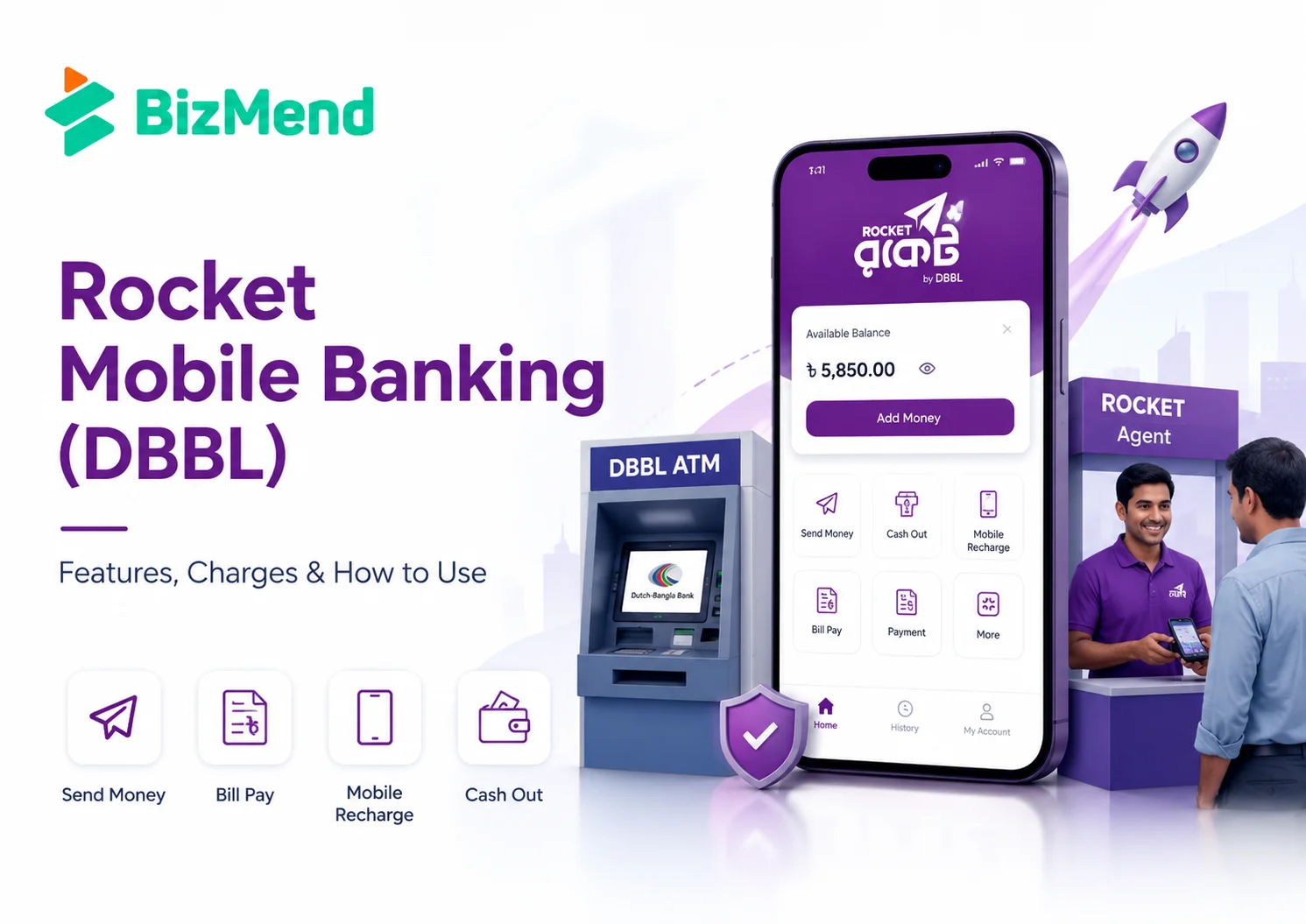
You’re at the Rocket agent counter, phone in hand, waiting for cash.
The amount is simple. The fee is not. If you’re opening a Rocket account, the real questions are, what can it do, what does it cost, and where does DBBL fit?
Rocket is Dutch-Bangla Bank PLC’s mobile financial service. It covers cash-in, cash-out, send money, bill pay, recharge, merchant payment, remittance, and DBBL account links. Its clearest advantage is DBBL’s wider banking network, ATM access, and long MFS history. This guide explains the features, charges, limits, and everyday use cases.
Rocket is Dutch-Bangla Bank PLC’s mobile financial service. It lets you keep money in a mobile account and use that balance for everyday financial tasks. Think of it as a small banking counter inside your phone, with agents and DBBL points around it.
DBBL started Rocket on 31 March 2011. That matters because Rocket is not just a payment app sitting outside the banking system. It is a bank-backed MFS product, regulated under Bangladesh Bank rules.
Rocket’s main strength is its mobile banking with DBBL’s physical banking network.
That bank link shapes how many people use it. Someone may use Rocket for mobile recharge, salary or stipend disbursement, bill payment, remittance receipt, merchant payment, or cash withdrawal from a DBBL ATM. Okay, let’s keep this practical: the value depends on where you live, which agents are nearby, and whether DBBL access saves you money.
Rocket covers the normal MFS jobs most Bangladesh-based users expect. The official Rocket app listing mentions account registration, cash-in, cash-out, top-up, bill pay, merchant pay, P2P fund transfer, DBBL core banking transfers, balance inquiry, statement inquiry, and location search for nearby DBBL points.
| Feature | What it means for you |
|---|---|
| Cash-in and cash-out | Add money at agents or DBBL points, then withdraw through agents, branches, Fast Track, or selected DBBL ATMs. |
| Send money | Move funds to another Rocket account, with same-product P2P listed as free by DBBL. |
| Mobile recharge | Recharge Bangladeshi mobile numbers from your Rocket balance. |
| Bill pay | Pay utility and service bills where Rocket billers are available. |
| Merchant payment | Pay participating merchants without extra customer charges, according to DBBL’s FAQ. |
| DBBL account link | Transfer between Rocket and DBBL core banking accounts or cards, subject to charges and limits. |
The app is available in Bangla and English on Android, and the Google Play listing showed 10 million plus downloads when checked for this article. You can also use USSD by dialing *322#, which matters if your phone is basic or your internet connection is unreliable.
Rocket’s charges are where many readers get confused, because different account products and transaction channels can have different rates. For a general consumer account, DBBL’s current charge page lists cash-in at agents and DBBL branches or Fast Track as free.
For general cash-out, DBBL lists 1.67% of the transaction amount at agents’. Cash-out from DBBL branches and DBBL ATMs is listed at 0.9%. Tk 1,000 agent cash-out costs about Tk 16.70, while Tk 1,000 DBBL ATM cash-out costs Tk 9.
| Transaction | General customer charge |
|---|---|
| Cash-in at agent | Free |
| Cash-in at DBBL branch or Fast Track | Free |
| Cash-out at agent | 1.67% of transaction amount |
| Cash-out at DBBL branch | 0.9% of transaction amount |
| Cash-out from DBBL ATM | 0.9% of transaction amount |
| Same-product send money | Free through USSD and app |
| Rocket to DBBL core banking account or card | 0.9% of transaction amount |
| DBBL core banking account to Rocket | Free |
| Mobile recharge | Free |
| Merchant payment payable by customer | Free |
Salary and stipend products are different. For example, DBBL’s charge table lists salary and stipend cash-out at agents at 0.9% and DBBL ATM cash-out as free. So don’t assume your friend’s rate applies to your account.
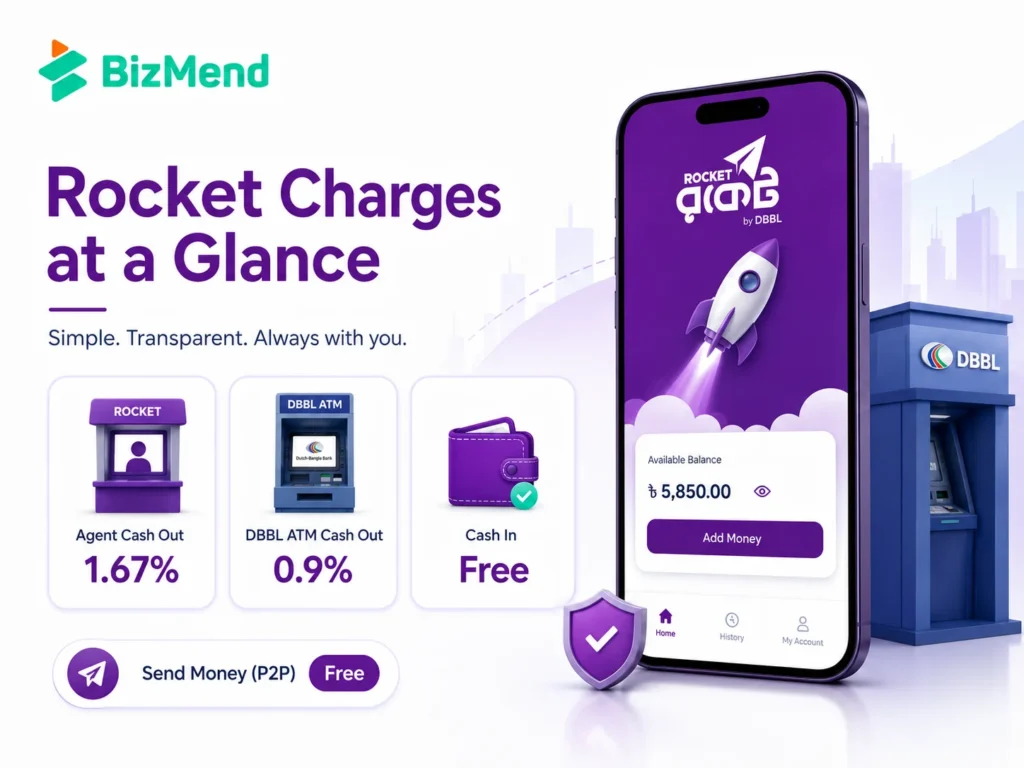
The phrase “rocket cash out charge” usually means one thing: how much money disappears when you withdraw. The answer depends on where you cash out.
For frequent withdrawals, the channel matters as much as the amount.
A small fee difference becomes real if you withdraw often. If you cash out Tk 10,000 at an agent, the listed general charge is about Tk 167. At a DBBL ATM, the listed general charge is about Tk 90. That Tk 77 gap is not huge at once, but it adds up fast.
DBBL’s FAQ says you can open a Rocket account by visiting the nearest agent point with your NID and photo. You can also visit a DBBL Fast Track branch, mobile banking office, or DBBL agent banking outlet.
If you prefer doing it yourself, DBBL also mentions app-based digital KYC registration. You need your original NID and your own photo or selfie. The mobile number must be active and not already registered with another Rocket account.
DBBL states that one valid NID can register one Rocket account. You also don’t need a DBBL bank account to use Rocket, which makes it useful for people who want mobile banking access without opening a regular bank account first.
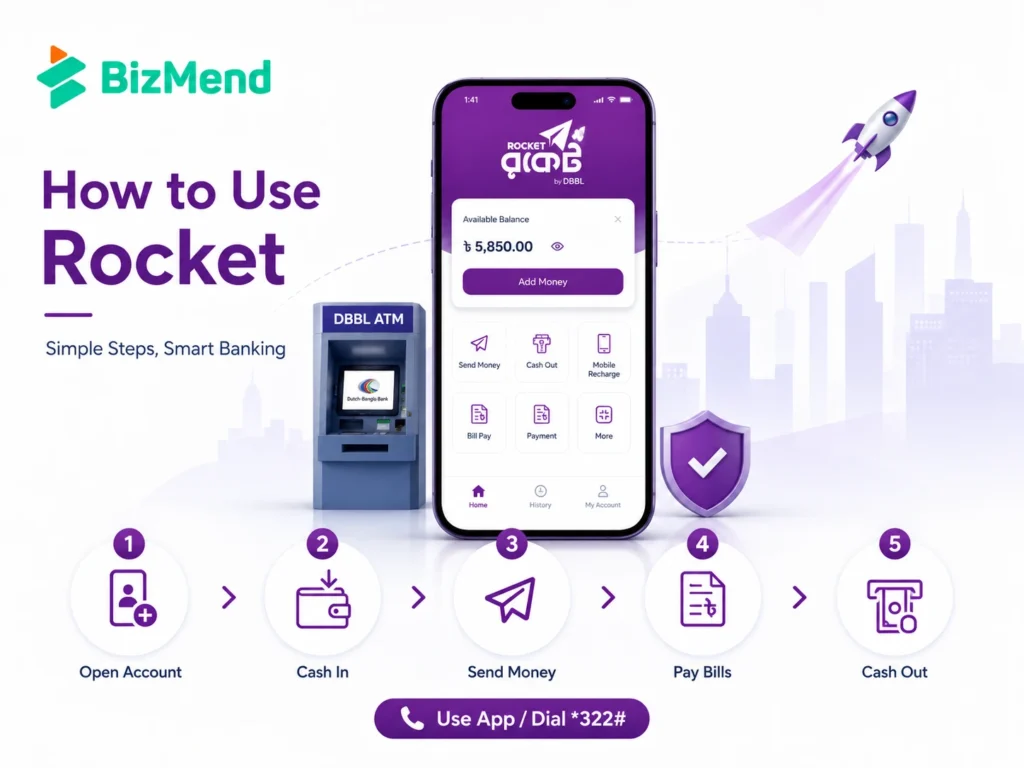
Rocket can be used through the app or USSD. The app is easier for menus, billers, statements, and location search. USSD is useful when mobile data is weak, the phone is basic, or you simply want a quick menu flow.
| Task | Practical route |
|---|---|
| Check balance | Use the Rocket app or USSD menu, then confirm with your PIN. |
| Send money | Choose P2P or send money, enter receiver number, amount, and PIN after checking the name or account details. |
| Cash-in | Visit an agent or DBBL point and confirm the amount before leaving. |
| Cash-out | Compare agent and DBBL ATM or branch costs before withdrawing larger amounts. |
| Pay bills | Use the bill pay menu, select the biller, and keep the confirmation SMS. |
| Link DBBL account | Visit DBBL if linkage is required, then use Rocket or NexusPay options where available. |
The boring habit that saves trouble is checking the confirmation SMS. If you don’t receive a confirmation after a transaction, DBBL tells users to contact customer service at 16216. Don’t wait until the next day if the amount is meaningful.
Rocket has transaction limits by service type. DBBL’s transaction limit page lists general cash-in at agent or branch at a maximum of Tk 30,000 per transaction and Tk 30,000 per day. Monthly cash-in is listed at Tk 200,000.
For a cash-out at an agent or branch, the listed maximum is Tk 25,000 per transaction and Tk 25,000 per day, with a monthly amount of Tk 150,000. ATM cash-out has a listed maximum of Tk 20,000 per transaction and a minimum of Tk 500.
| Service | Per transaction max | Daily max | Monthly max |
|---|---|---|---|
| Cash-in at agent or branch | Tk 30,000 | Tk 30,000 | Tk 200,000 |
| Cash-out at agent or branch | Tk 25,000 | Tk 25,000 | Tk 150,000 |
| Cash-out at ATM | Tk 20,000 | Check current DBBL limit page | Check current DBBL limit page |
| P2P send money | Tk 25,000 | Tk 25,000 | Tk 75,000 |
| DBBL account to Rocket | Tk 25,000 | Tk 50,000 | Tk 200,000 |
| Rocket to DBBL account or card | Tk 25,000 | Tk 50,000 | Tk 200,000 |
DBBL notes that limits are subject to change from time to time. Before a large transaction, check the official limit page or call 16216. Yeah, it’s one extra step. It’s still better than having a payment fail at the counter.
Rocket is not always the default first choice for every mobile payment user in Bangladesh. bKash, Nagad, Upay, and other providers may be stronger in different habits, merchant coverage, app polish, or campaign offers. Still, Rocket has a serious place in the comparison.
Its strongest case is bank-linked usage. If you already deal with DBBL, use DBBL ATMs, receive salary or stipend through Rocket, or want lower ATM cash-out cost than agent cash-out, Rocket deserves a closer look.
Bangladesh Bank’s MFS data shows the whole category is large, with millions of monthly transactions across providers. That means the real question isn’t whether MFS matters. It does. The better question is which wallet fits your daily route, bills, income source, and cash-out pattern.
Rocket is money, not just an app icon. Treat it like a bank account in your pocket. DBBL’s FAQ says the bank never asks customers for their PIN, even if someone pretends to be a bank official.
There is also a 2026 update to watch. Bangladesh Bank issued new rules for card-to-MFS transfers, including a first-time token transaction of up to Tk 500 and a 24-hour activation step, with easier same-name linking expected from 1 August 2026. If you add money from a card, check how Rocket applies the latest rules inside the app.
Rocket makes sense if you want a DBBL-backed MFS account with ATM and branch access. It’s also useful if your employer, school, government program, remittance channel, or local biller already works with Rocket.
It may be less ideal as your only wallet if the shops, delivery services, or people around you mostly prefer another MFS provider. In Bangladesh, convenience is local. The best wallet is often the one your daily circle actually accepts.
A sensible setup is simple: use Rocket where DBBL access, fees, or billers help you, then keep another MFS account if your payment life needs it. No drama. Just match the tool to the job.
Rocket Mobile Banking is still worth understanding, especially if DBBL access matters in your area. Its biggest appeal is practical: bank-backed service, ATM cash-out options, bill pay, mobile recharge, and account transfers. The smart move is to check the latest DBBL charge and limit pages before bigger transactions, then use the channel that keeps your cost lowest.
Yes. Rocket is the mobile financial service of Dutch-Bangla Bank PLC. DBBL’s official Rocket pages describe it as a bank-led mobile financial service operating under Bangladesh Bank rules.
DBBL’s current charge page lists general customer cash-out at agents at 1.67% of the transaction amount. Cash-out from DBBL branches and DBBL ATMs is listed at 0.9% for general customers. Salary and stipend accounts can have different rates.
No. DBBL’s FAQ says you don’t need a bank account to use Rocket. You need an active mobile number, NID, and photo or selfie for registration, depending on whether you register through an agent point, DBBL point, or the app.
Same-product P2P send money is listed as free through both USSD and the app in DBBL’s current charge table. Transfers to a different product type or DBBL core banking account may have separate charges, so check before confirming.
Yes. DBBL’s FAQ says Rocket accounts can receive remittance. It also notes that the account can have a maximum balance of BDT 3 lac at any point in time, so confirm current limits before expecting a large amount.
It depends on your use. Rocket may be better if DBBL ATM access, DBBL account transfers, or salary and stipend flows matter to you. Another MFS option may be better if your nearby merchants and contacts prefer it.

Learn how to become a Daraz seller in Bangladesh, register an account, list products, understand fees, manage orders, and grow…
by Sheikh Ornob
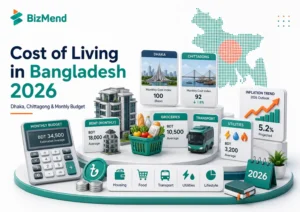
Compare the cost of living in Bangladesh in 2026, including Dhaka and Chittagong rent, food, transport, utilities, inflation, and monthly…
by Sheikh Ornob
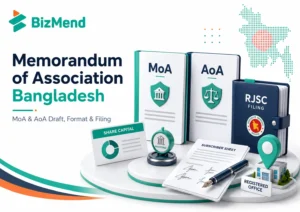
Learn MoA and AoA requirements in Bangladesh, key clauses, drafting basics, RJSC filing steps, amendments, and common company-registration mistakes. Suggested…
by Sheikh Ornob