How to Become a Daraz Seller in Bangladesh: Registration, Fees & Growth
Learn how to become a Daraz seller in Bangladesh, register an account, list products, understand fees, manage orders, and grow…
 by Sheikh Ornob

Compare bKash, Nagad, and Rocket fees, limits, features, merchant use, security, and cash access to choose the best MFS app in Bangladesh.
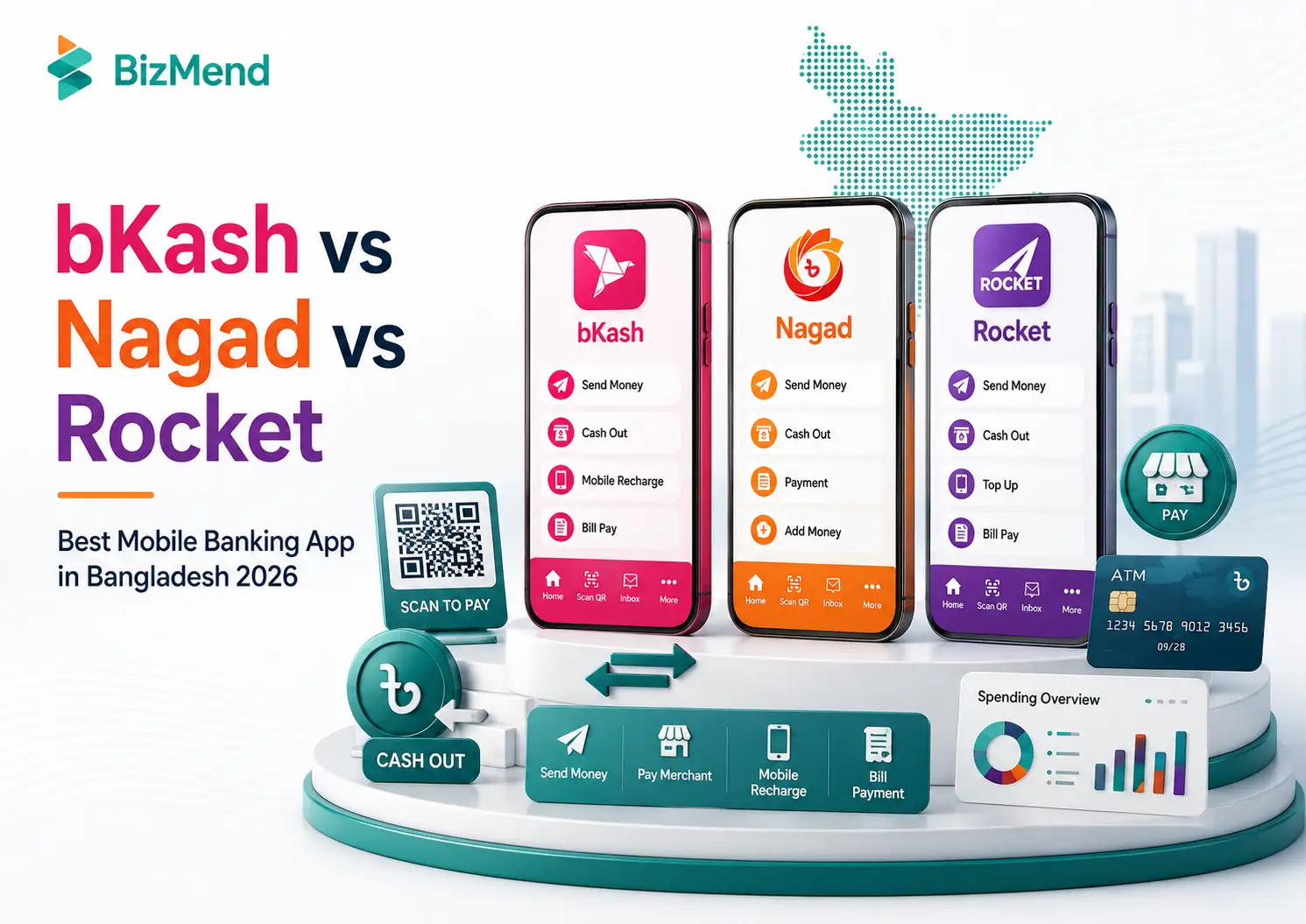
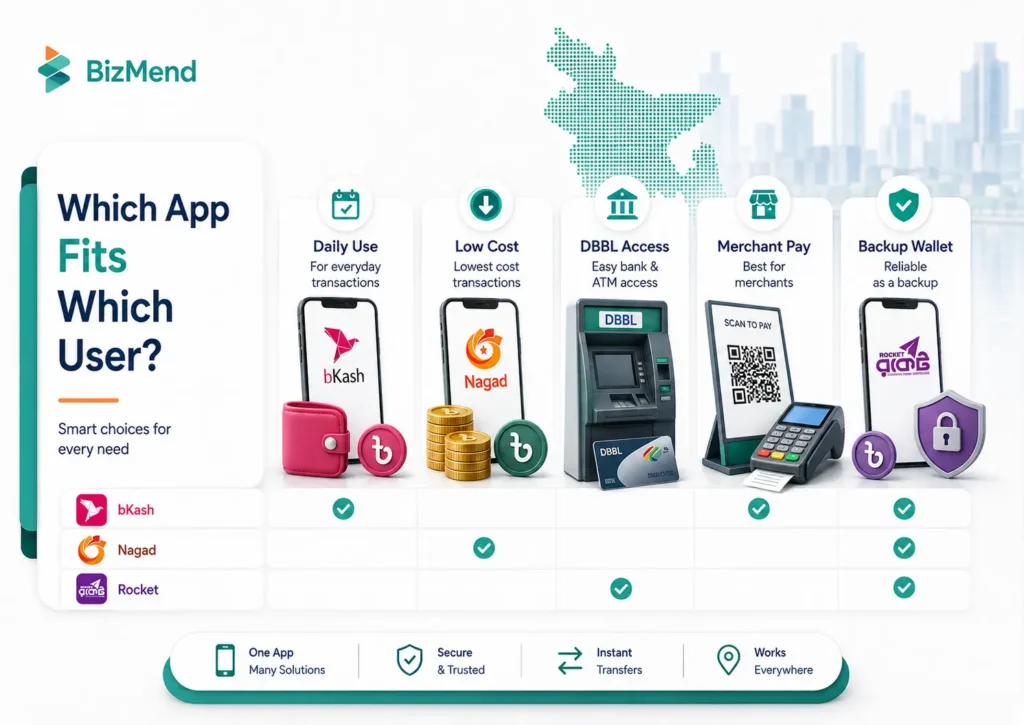
This bKash vs Nagad vs Rocket comparison helps you choose the right mobile financial service based on fees, cash access, merchant payments, app features, and bank integration. The best option depends on how often you send money, where you withdraw cash, which merchants you pay, and whether you need broader features or stronger banking links.
This bKash vs Nagad vs Rocket comparison uses publicly available information checked on 14 July 2026. Because mobile financial service charges and limits can change, always review the fee shown inside the app or USSD menu before confirming a transaction.
| Quick Answer: For most everyday users, bKash is the strongest all-round option because of its broad feature set, extensive payment acceptance, bank and card add-money options, and clearly published limits. Nagad is often the better fit for cost-conscious users, especially those who value promotional Send Money benefits and low-cost cash access. Rocket works best for users who already rely on Dutch-Bangla Bank, DBBL ATMs, or bank-linked services. There is no single winner for everyone. Compare your real monthly cash-out, Send Money, merchant-payment, and bank-transfer needs, then verify the live fee shown before each transaction. |
All three services support the core MFS tasks most Bangladeshi users expect: Cash In, Cash Out, Send Money, mobile recharge, bill payment, and merchant payment. The real differences appear in pricing structure, feature depth, cash-access options, merchant reach, and bank connectivity.
| Category | bKash | Nagad | Rocket |
| Best overall use | Broad everyday feature set and strong merchant-payment coverage | Cost-focused users and promotional P2P benefits | DBBL-linked users and ATM-focused cash access |
| Cash-out information | Exact agent and ATM rates published publicly | App promotes low/minimal charges; verify the live amount in-app | Current limits published; verify the live charge through official channels |
| Send Money advantage | Five Priyo numbers can receive free transfers within the published monthly allowance | First 2 app Send Money charges are returned as cashback under current terms; after that, Nagad lists a Tk 5 charge, so users should recheck the live offer before sending. | Simple Rocket-to-Rocket P2P with published amount limits |
| App and ecosystem | Most feature-rich of the three | Modern wallet features with Islamic interface and service add-ons | Useful when combined with DBBL and NexusPay ecosystem |
| Merchant use | Very broad QR, online, and offline payment acceptance | QR, online, and offline payments with offer-led use cases | Merchant payment plus DBBL banking ecosystem |
A fair comparison should not declare one service “best” from one fee. This guide uses six criteria: total cost, limits, cash access, merchant usefulness, app features, and support.
A student, an online seller, and a DBBL customer may reasonably choose different apps because their transaction patterns are different.
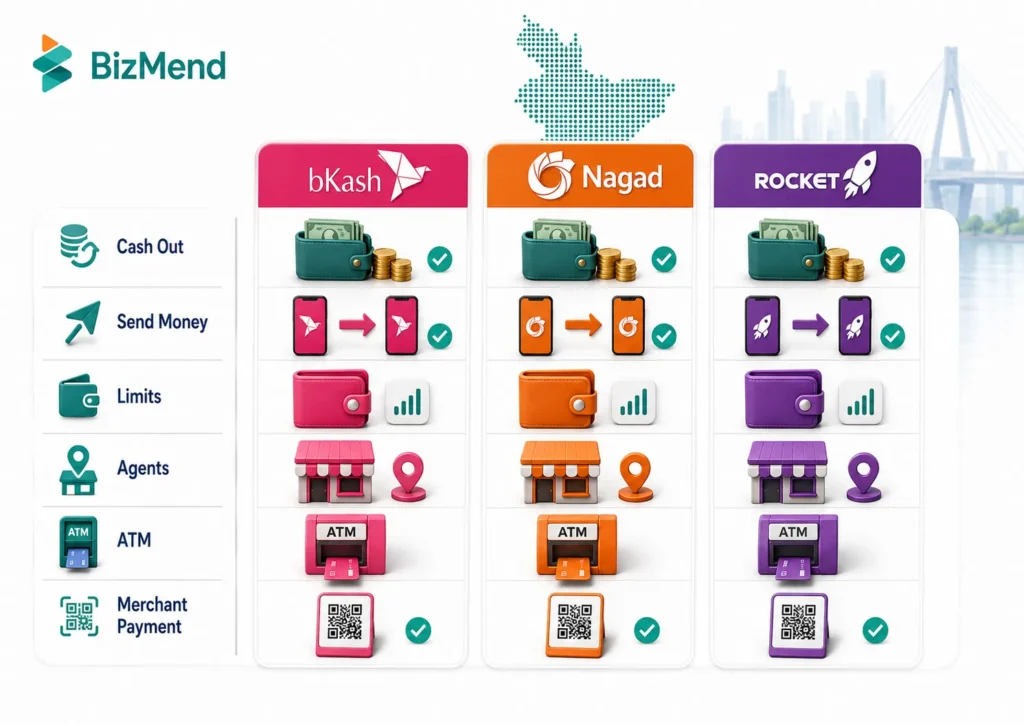
Fees are the most changeable part of any mobile banking app comparison. Providers may use preferred-number benefits, cashback, selected-agent discounts, promotional pricing, or channel-specific rates. The safest approach is to compare the amount shown on the final confirmation screen rather than relying on an old screenshot or blog table.
bKash currently publishes the clearest public fee information of the three. Cash Out from two selected Priyo Agents currently costs Tk 13.95 per Tk 1,000 for up to Tk 50,000 per month, while other agents Cash Out costs Tk 18.50 per Tk 1,000; users should still verify the charge before confirmation. Cash Out from other agents costs Tk 18.50 per Tk 1,000. Cash Out from supported ATMs costs Tk 14.90 per Tk 1,000.
For Send Money, users can add five Priyo Numbers and send up to Tk 25,000 per month to those numbers without a charge. bKash also states that transfers of up to Tk 50 to any number are free. Any fee outside these benefits should be checked in the app before confirmation.
Nagad positions itself as a low-cost option. Its official Send Money page states that app users get the charged amount back as cashback for the first 2 Send Money transactions, and Tk 5 applies after the second transaction; Cash Out charges should still be checked from the live app, USSD menu, or official charge page before confirmation.
However, the accessible official public pages reviewed for this update did not display one complete, current numerical charge schedule. That means a fixed Nagad rate copied from an older article could be misleading. Use the charge preview in the Nagad app, confirm whether cashback conditions apply, and check whether the transaction is being completed through the app or another channel.
Rocket provides Cash Out through agents, branches, and DBBL ATMs, and it supports P2P transfers and merchant payments. Rocket’s current transaction-limit page is useful for limits, but older public brochure materials may contain outdated operator references and old limits, so this article should not present those brochure fees as current 2026 Rocket charges.
For that reason, this guide does not present the brochure’s older fee figures as current Rocket charges. Check the amount through Rocket or NexusPay before confirmation, or verify it through Dutch-Bangla Bank’s official support channels.
| Important: Fee update rule: exact bKash rates above were verified from its current public pages. Nagad and Rocket fees should be confirmed from the live app or official support before a high-value transaction. |
Limits matter when you receive business payments, pay suppliers, move money to a bank, or withdraw larger amounts. Published ceilings can also differ by transaction channel and account status.
| Transaction | bKash published limit | Nagad | Rocket published limit |
| Send Money / P2P | Up to Tk 50,000 per transaction and per day; Tk 300,000 per month | Official limit page shows daily limits such as Send Money Tk 50,000 | Up to Tk 25,000 per transaction and per day; Tk 75,000 per month |
| Cash Out at agent | Up to Tk 30,000 per transaction and per day; Tk 200,000 per month across agent and ATM | Cash Out Tk 30,000, Cash In Tk 50,000, Mobile Recharge Tk 100,000, and Remittance Tk 1,000,000; recheck the app or official page for full monthly and account-specific limits. | Up to Tk 25,000 per transaction and per day; Tk 150,000 per month |
| ATM Cash Out | Supported ATM limits vary by bank; combined monthly cash-out ceiling applies | Not the main published cash-access channel | Official Rocket page lists up to Tk 20,000 per ATM transaction |
| Maximum wallet balance | Tk 500,000 | Check the current limit in the app or official help | Not stated on the current public limit page reviewed |
| Merchant payment | No general amount ceiling shown; merchant-specific limits may apply | Shown in the app based on account and payment type | Official page lists “any amount,” subject to operational rules |
| Important: These are provider-published ceilings checked on 14 July 2026. Account status, KYC, service type, and regulatory changes may affect the amount available to you. |
bKash has the broadest consumer feature set, including bank and card add money, bills, remittance, savings, and tools that may matter when users receive international payments in Bangladesh. Its May 2026 update also added Touch ID or Face ID support for Send Money and Pay Bill.
Nagad adds bank or card add money, QR payments, bills, remittance, ticketing, tolls, insurance and EMI services, donations, statements, and Nagad Islamic. Its digital KYC uses an NID, selfie, and signature.
Rocket is more banking-oriented, connecting users with DBBL branches, ATMs, merchant services, salary disbursement, remittance, and the wider NexusPay environment.
bKash describes its agent and ATM network as the largest in Bangladesh and supports selected BRAC Bank, City Bank, and Q-Cash ATMs. Its location map and Priyo Agent pricing help frequent cash users.
Nagad states that customers can use lakhs of Uddokta Points and provides Uddokta, distributor, merchant, and Nagad Sheba locators. Local availability matters more than a nationwide claim.
Rocket mobile banking supports authorized agents, DBBL branches, and DBBL ATMs, which benefits existing DBBL users.
bKash is usually the easiest option for a small shop, freelancer, online seller, or service business that wants broad customer familiarity, especially if the business needs a bKash merchant account.
Nagad also supports QR payments, online and offline stores, merchant locators, bill collection, and payment campaigns, and business users may compare a Nagad merchant account before choosing it for collections. It can be attractive when a business’s customers already use Nagad or when lower transaction costs and cashback campaigns influence purchase decisions.
Rocket supports merchant payments and can fit businesses connected to DBBL banking, salary disbursement, or NexusPay. Before choosing any provider for business collections, compare settlement rules, merchant onboarding documents, transaction fees, refund handling, and get business consulting or payment gateway in Bangladesh options.
All three services use PIN-based transaction approval, but security depends heavily on user behavior. bKash uses OTP verification for initial app login and requires a PIN for login and transactions. It also provides fraud-prevention guidance and publishes lists of discontinued or non-compliant agents.
Nagad requires a PIN for login and each transaction. Its app store disclosure states that data is encrypted in transit, while the app supports digital KYC and transaction statements. Rocket uses a PIN and a separate account check digit, and its official guidance tells users to verify the sender number and transaction amount in confirmation messages.
Never share a PIN, OTP, security code, or full account credential with an agent or caller. Confirm the recipient name, fee, and final balance before approving. For merchant payments, use the official Payment or QR option rather than Send Money unless the provider specifically instructs otherwise.
bKash offers helpline, live chat, e-appointment, complaint, email, and physical support. Nagad provides phone, email, contact-form, and service-location support. Rocket adds DBBL contact and branch support.
For any dispute, save the transaction ID, screenshot, recipient number, amount, and time. Report unauthorized or failed transactions through an official complaint channel immediately.
| App | Main advantages | Main limitations |
| bKash | Broad feature set; strong merchant acceptance; clear public fee and limit pages; bank, card, ATM, remittance, and lifestyle integration | Standard agent Cash Out can cost more than discounted channels; feature-heavy app may feel busy to users who need only basic transfers |
| Nagad | Cost-focused positioning; first-five Send Money cashback under current terms; useful QR, bill, remittance, ticketing, Islamic, and service features | Exact current fee schedule was not fully visible on accessible public pages; benefit conditions and app stability should be checked before relying on a promotion |
| Rocket | Strong DBBL relationship; branch and ATM access; useful for bank-linked users, salary, remittance, and merchant payments | Consumer ecosystem is less extensive; some public fee materials are clearly old, so users must verify current charges through official channels |
This guide was updated on 14 July 2026. bKash figures came from current official pages. Nagad’s app listing confirms low-cost Cash Out positioning and first-five Send Money cashback, but its full numerical schedule was not accessible. Rocket’s current limit page was used; an older brochure was excluded as a fee source.
Before publishing or making a large transaction, recheck the app, USSD menu, official website, or support line. Charge tables age quickly.
All-around, the best mobile banking app in Bangladesh is the one that matches your actual transactions. bKash is the safest all-around recommendation for broad payments, features, and accessibility. Nagad is a strong alternative for users who prioritize cost and promotional P2P benefits. Rocket remains valuable for people who want DBBL-linked cash and banking access.
Do not choose from a single headline fee. Calculate your monthly Send Money and Cash Out cost, test nearby access, review merchant acceptance, and confirm the live charge before every important transaction. For many users, one primary wallet and one backup wallet are more practical than trying to force every payment through a single app.
bKash is generally better for feature depth, merchant acceptance, and clear public information. Nagad may be better for users focused on lower costs and Send Money cashback. The right choice depends on your monthly transaction pattern.
bKash publishes discounted Priyo Agent and ATM rates, while Nagad markets minimal Cash Out charges. Because Nagad and Rocket rates can change and were not fully displayed on the accessible official pages reviewed, compare the live charge for the same amount before deciding.
Rocket can be convenient for users near DBBL ATMs or already connected to Dutch-Bangla Bank. bKash also supports selected bank and Q-Cash ATMs. Compare nearby availability, per-transaction limits, and the live withdrawal fee.
Small occasional transfers may be technically possible, but regular business collections should use the provider’s approved merchant or business arrangement. This improves records, settlement, compliance, and customer payment experience.
bKash is usually the strongest primary wallet because many customers and merchants use it. Nagad can be useful as a second option for cost-sensitive customers, while Rocket may suit sellers who use DBBL banking.
Bangladesh Bank regulates the MFS sector and sets the broader framework, but provider pricing, promotions, channel benefits, and operational limits may change. Users should check the provider’s current official information.
Keeping two or three verified accounts can improve payment flexibility and local cash access. However, more accounts also mean more PINs, SIM risks, statements, and security responsibility. Keep only the wallets you actively manage.

Learn how to become a Daraz seller in Bangladesh, register an account, list products, understand fees, manage orders, and grow…
by Sheikh Ornob
Compare the cost of living in Bangladesh in 2026, including Dhaka and Chittagong rent, food, transport, utilities, inflation, and monthly…
by Sheikh Ornob
Learn MoA and AoA requirements in Bangladesh, key clauses, drafting basics, RJSC filing steps, amendments, and common company-registration mistakes. Suggested…
by Sheikh Ornob